Real Dryer Vent Conditions & Service Photos
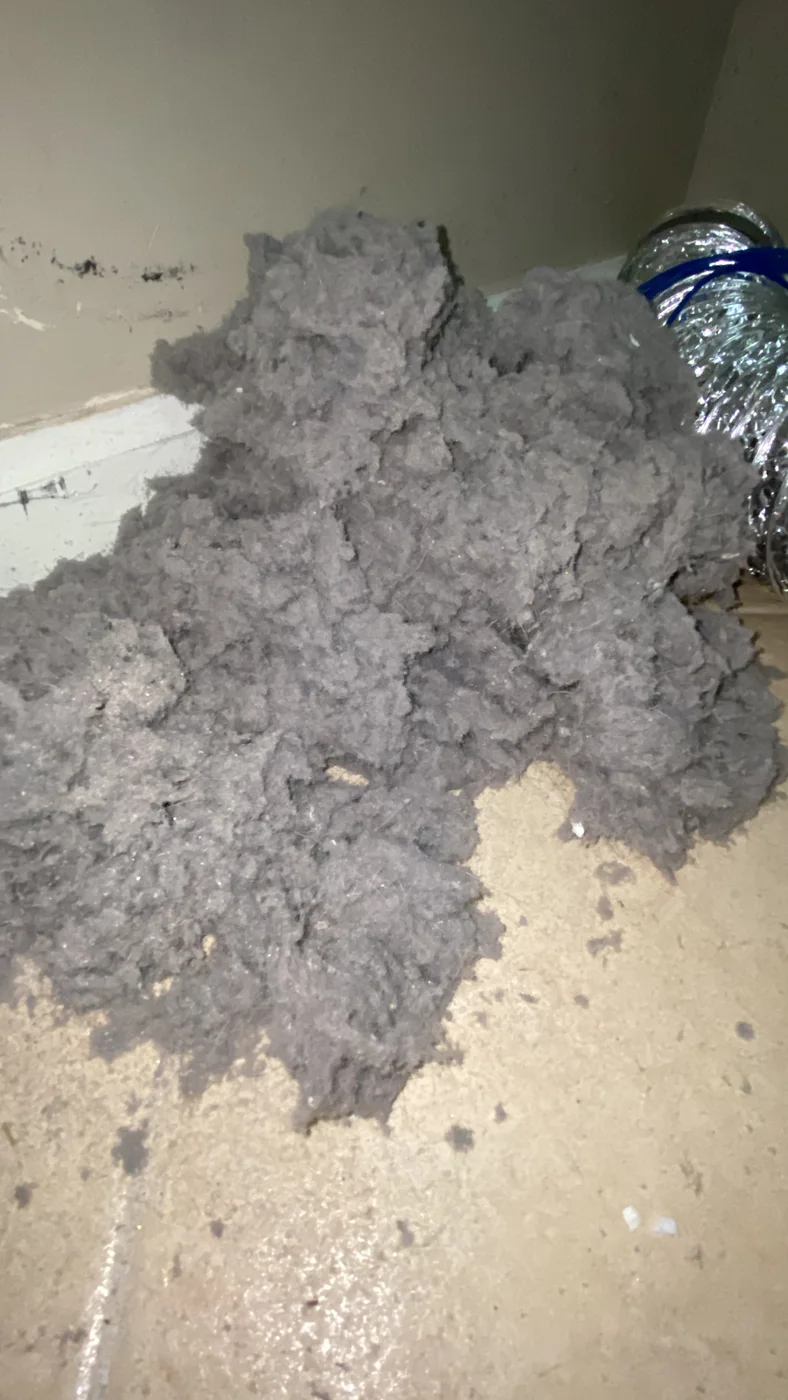
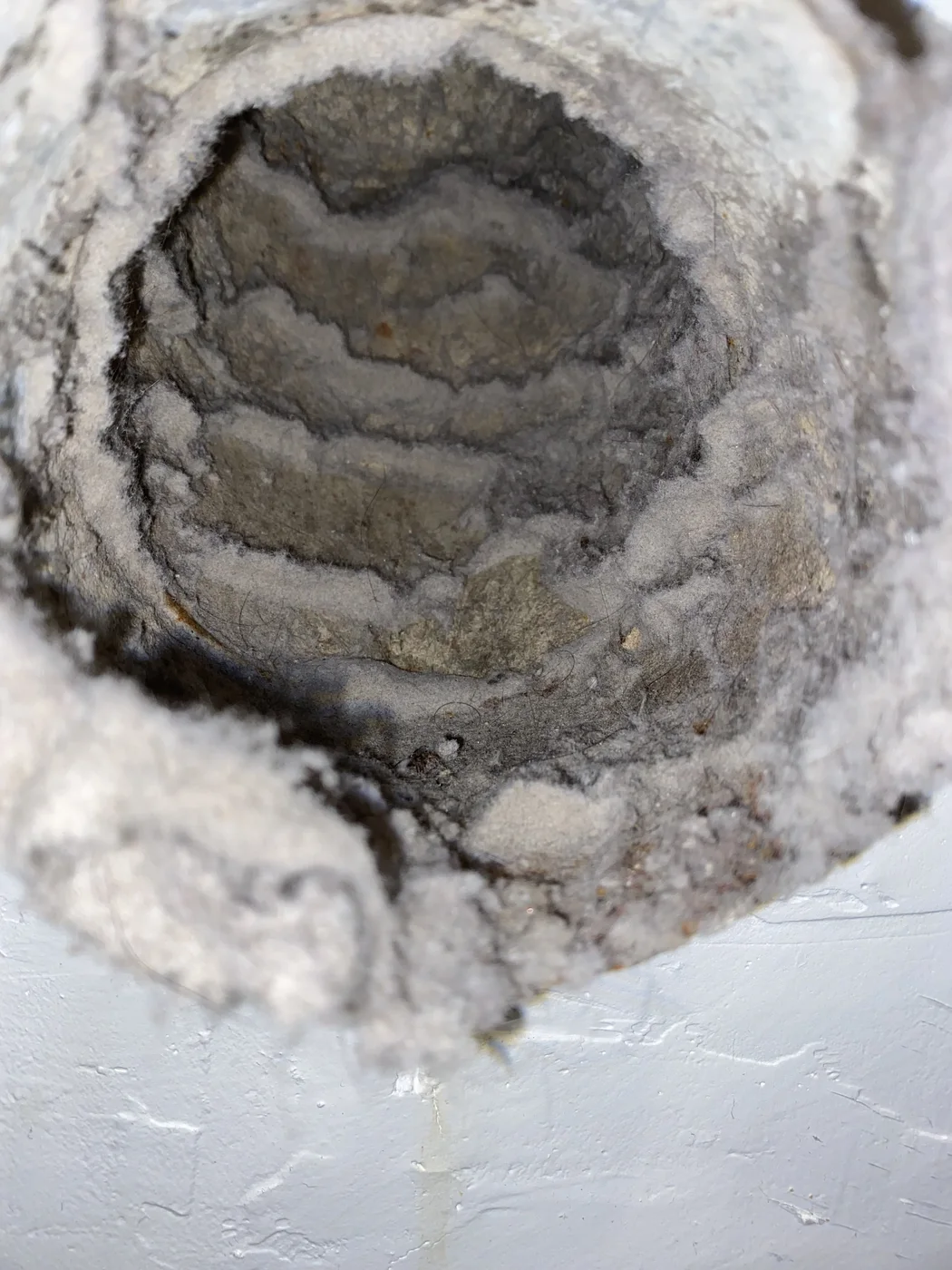
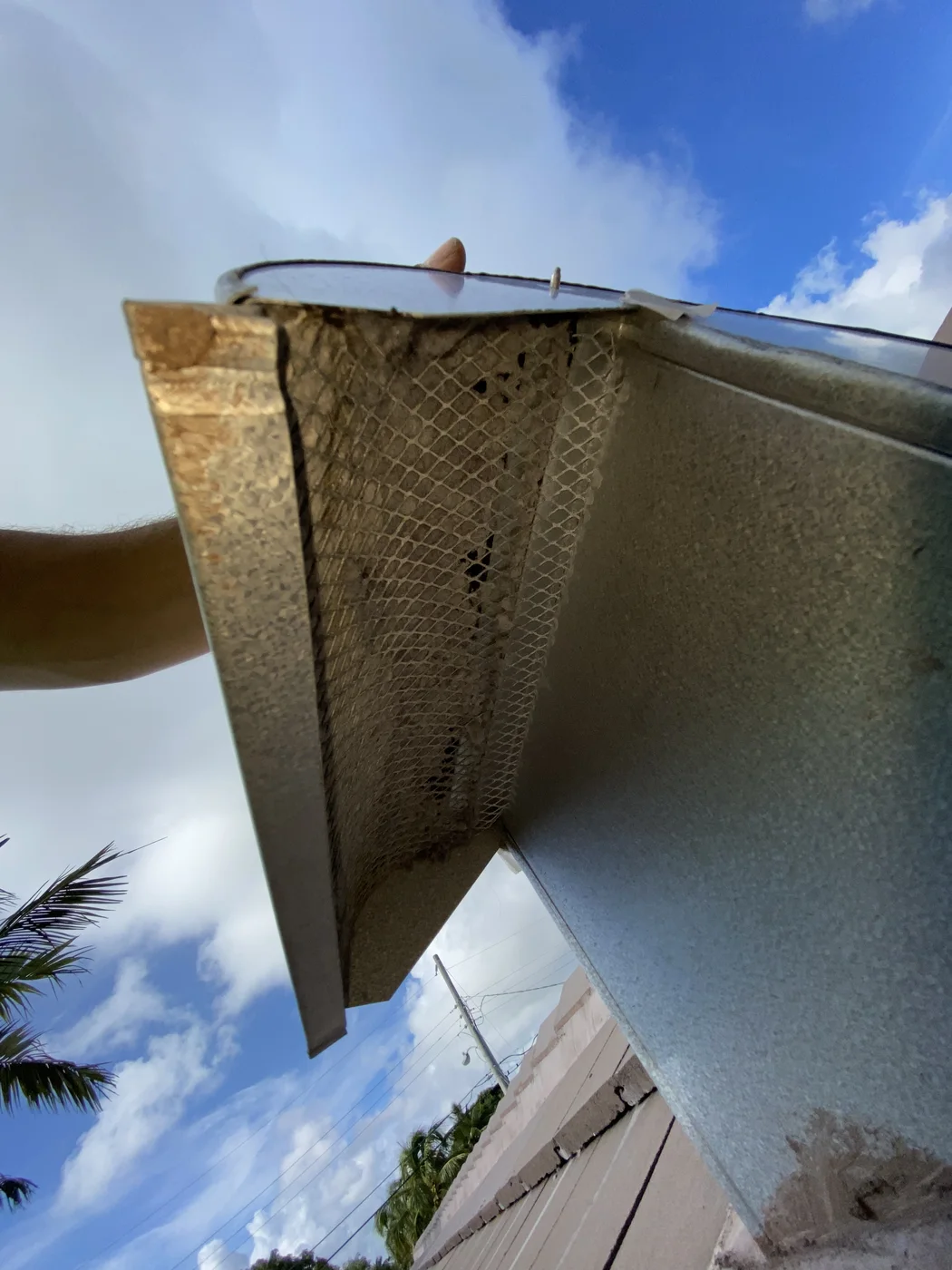
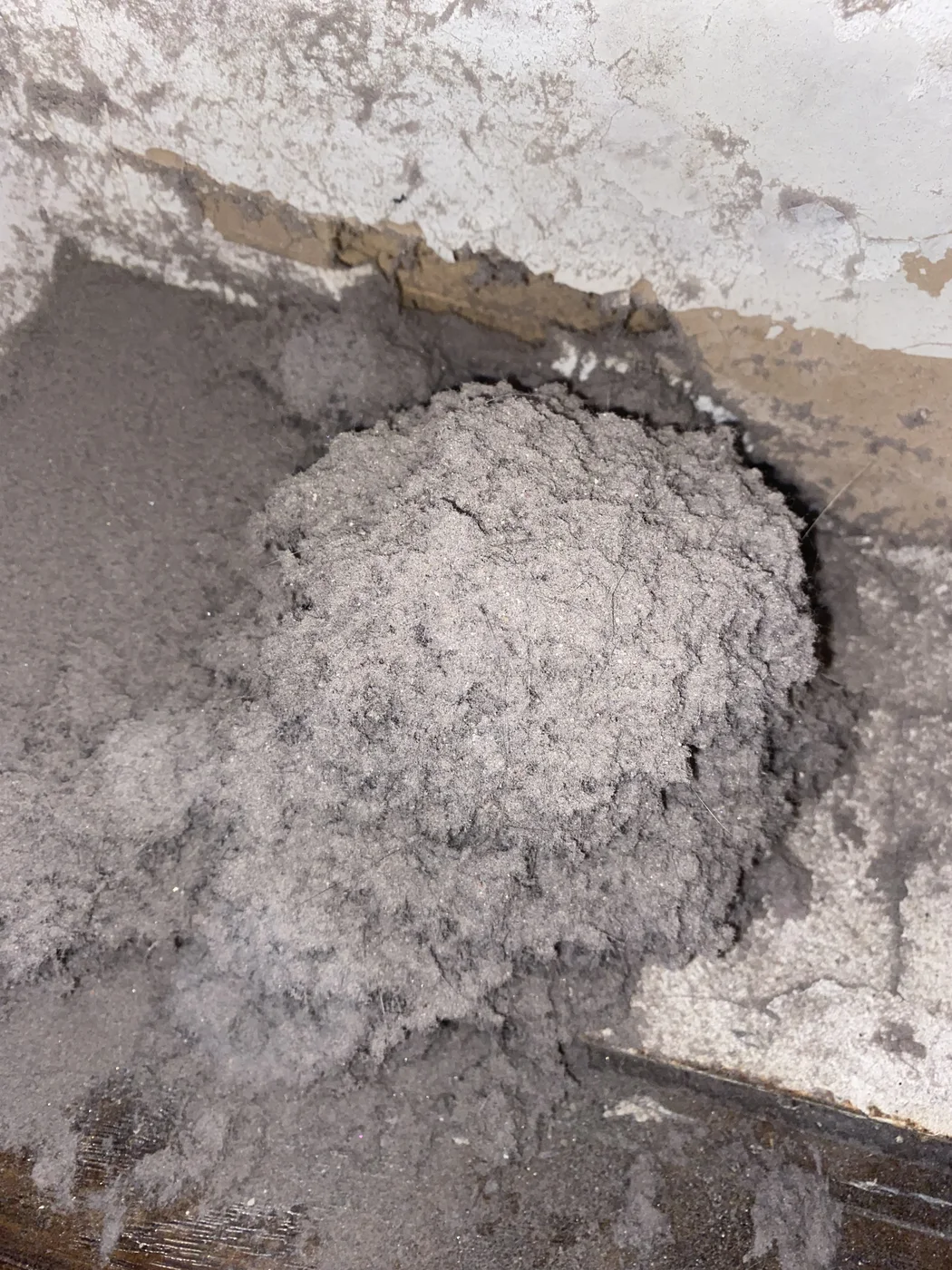
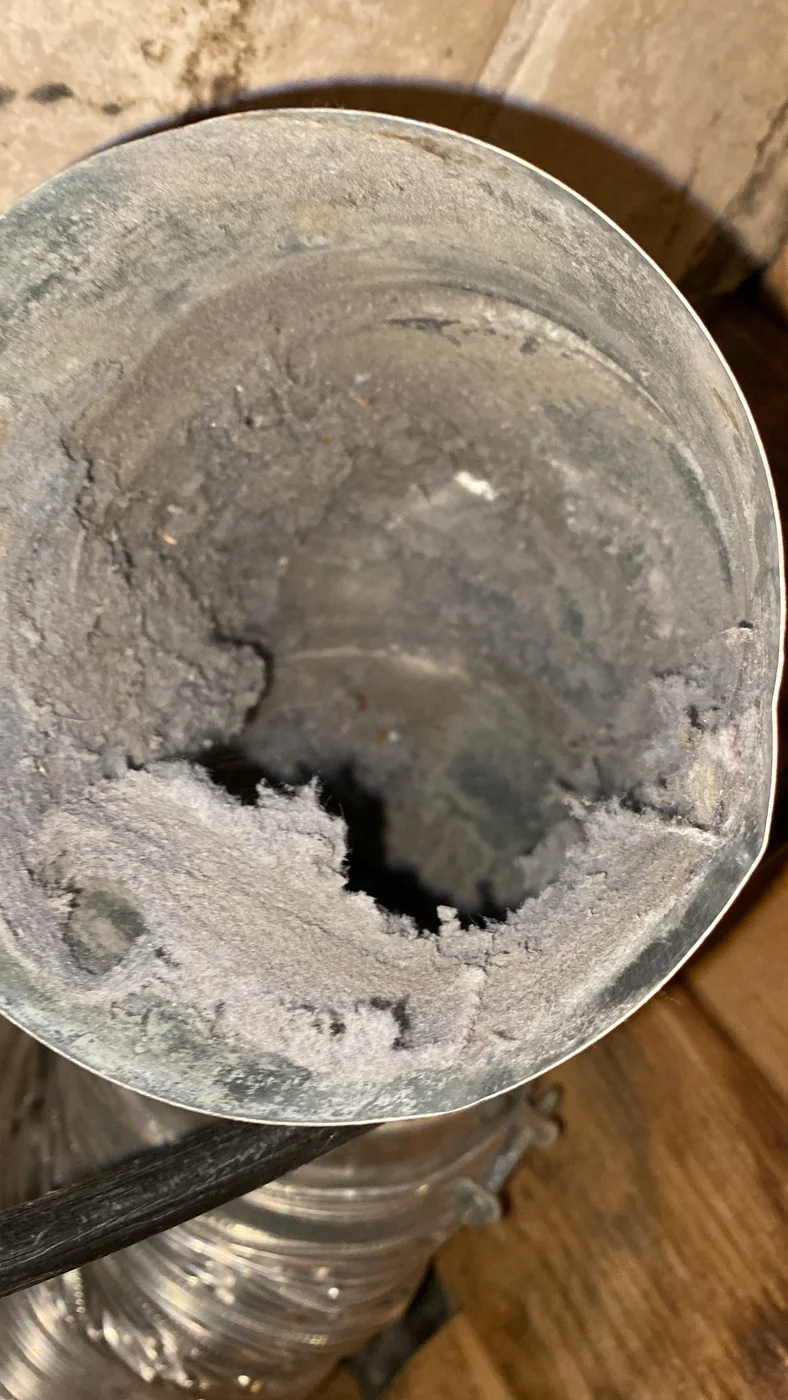
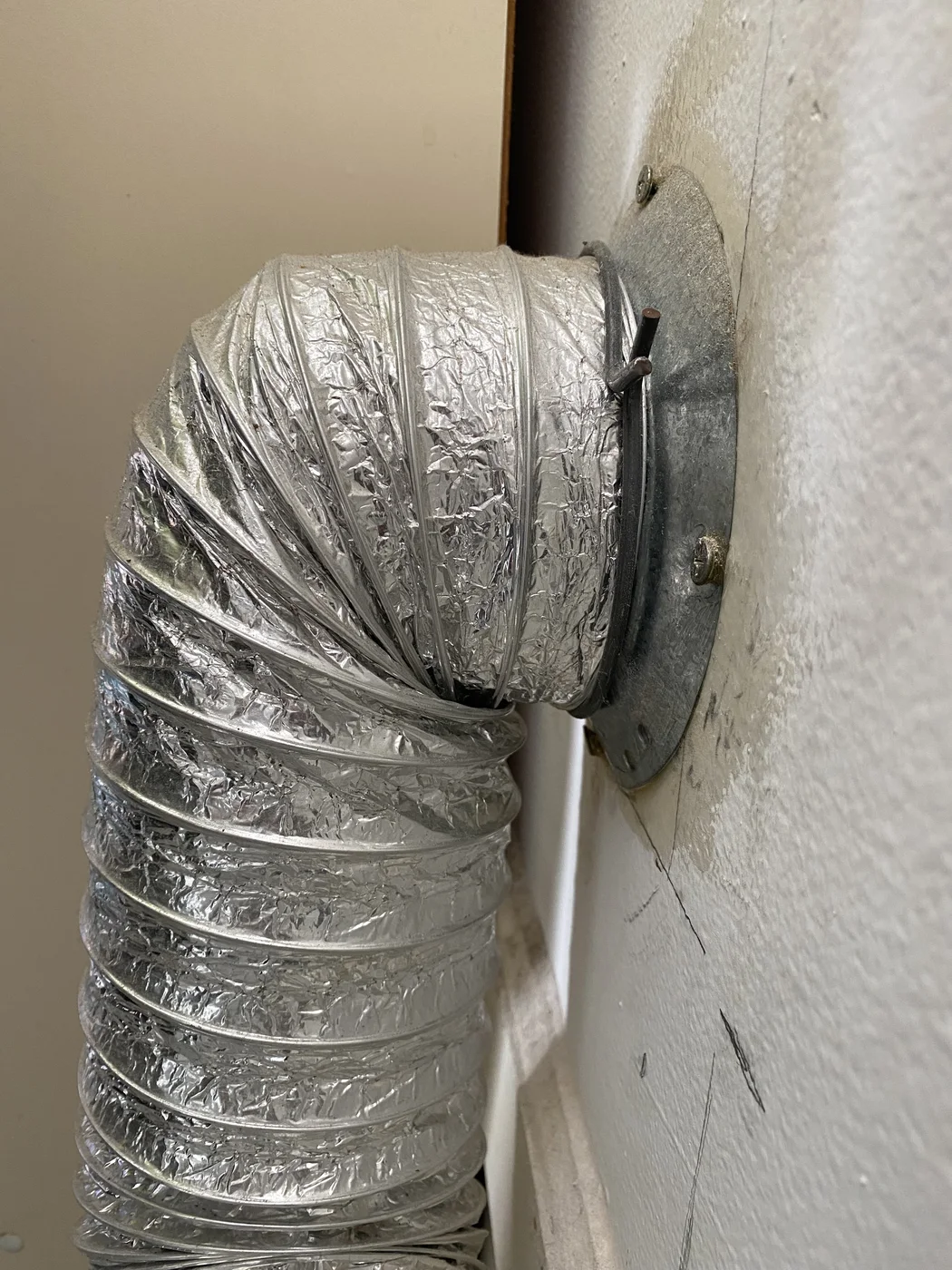
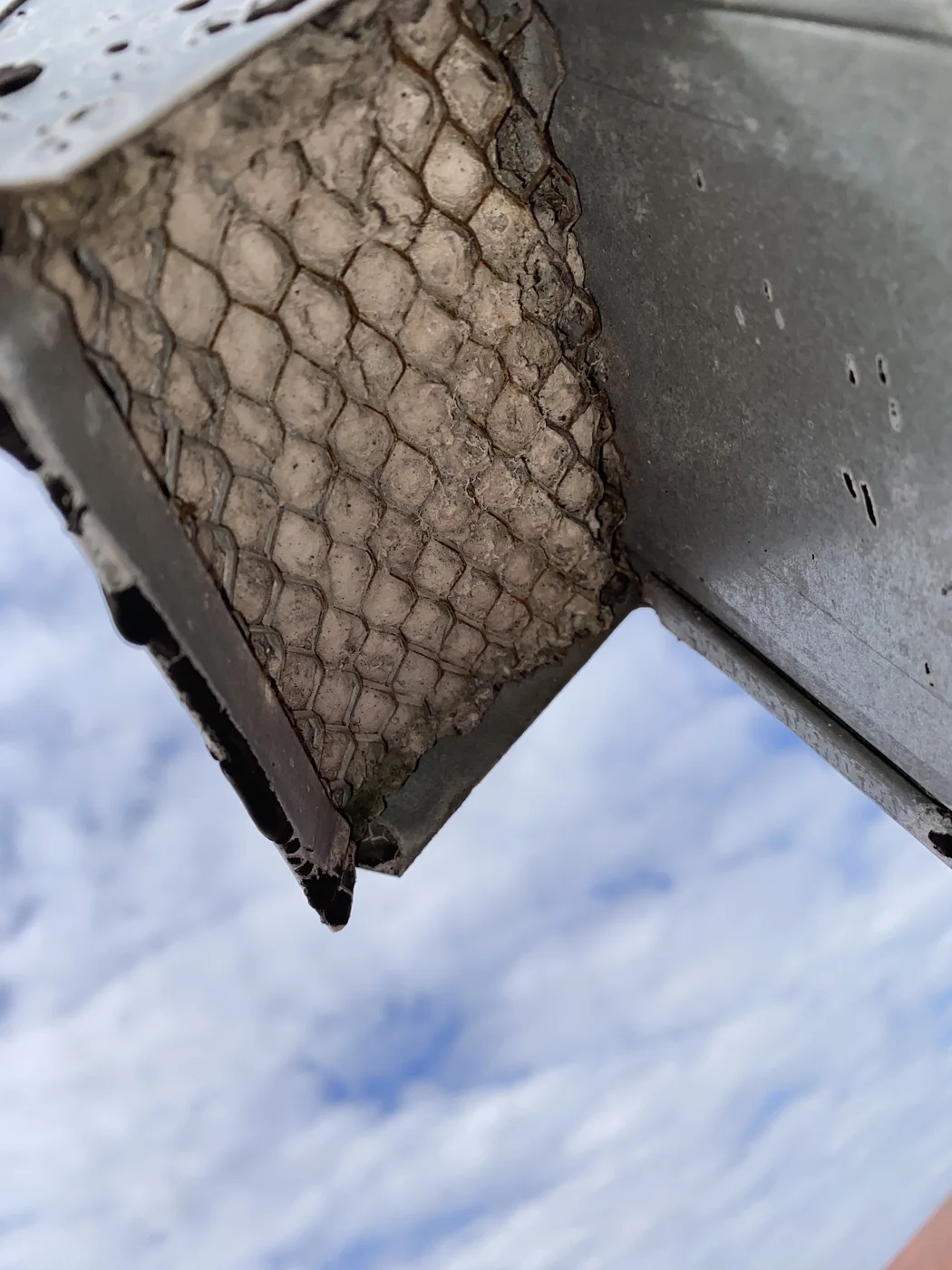
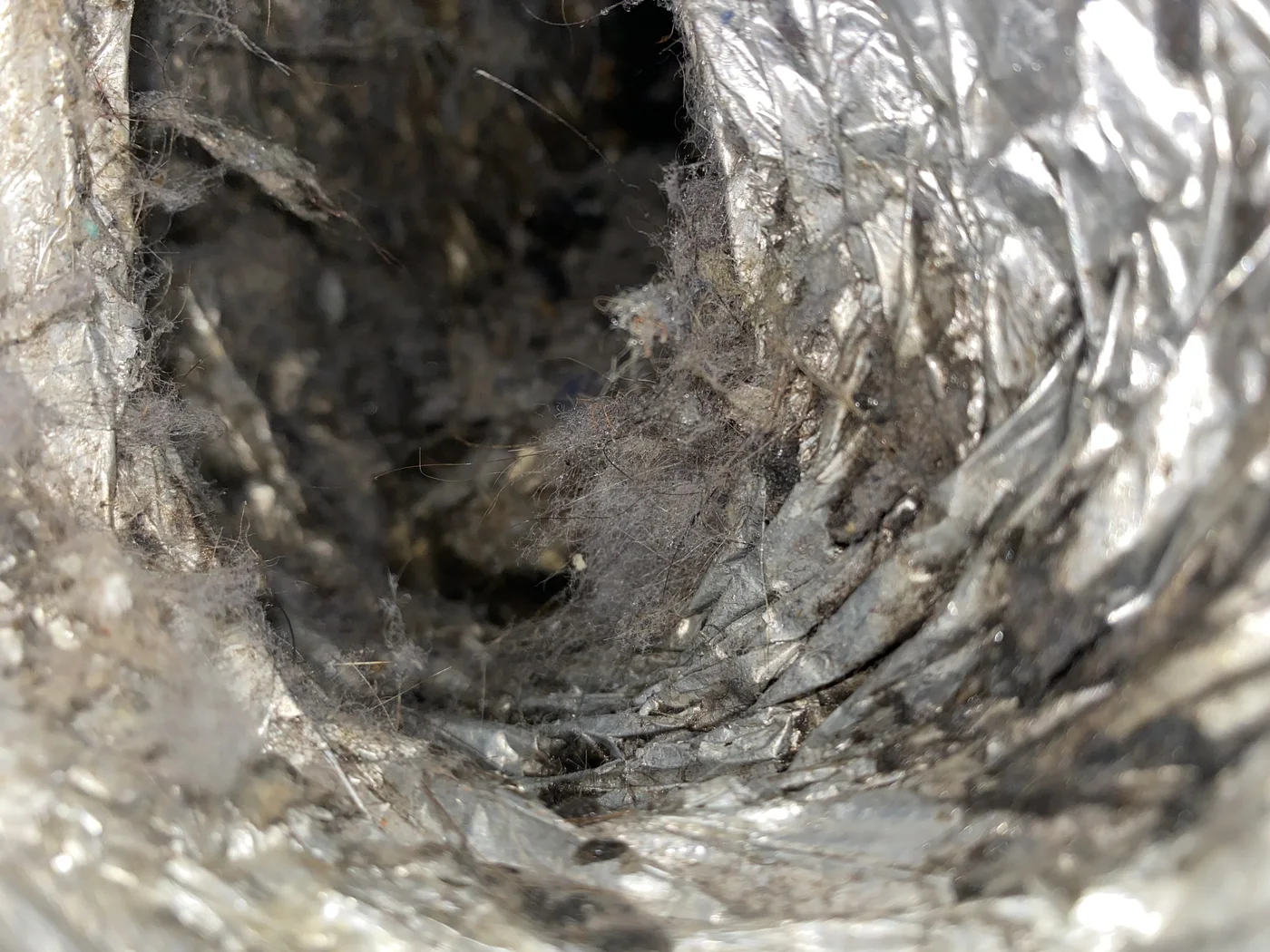
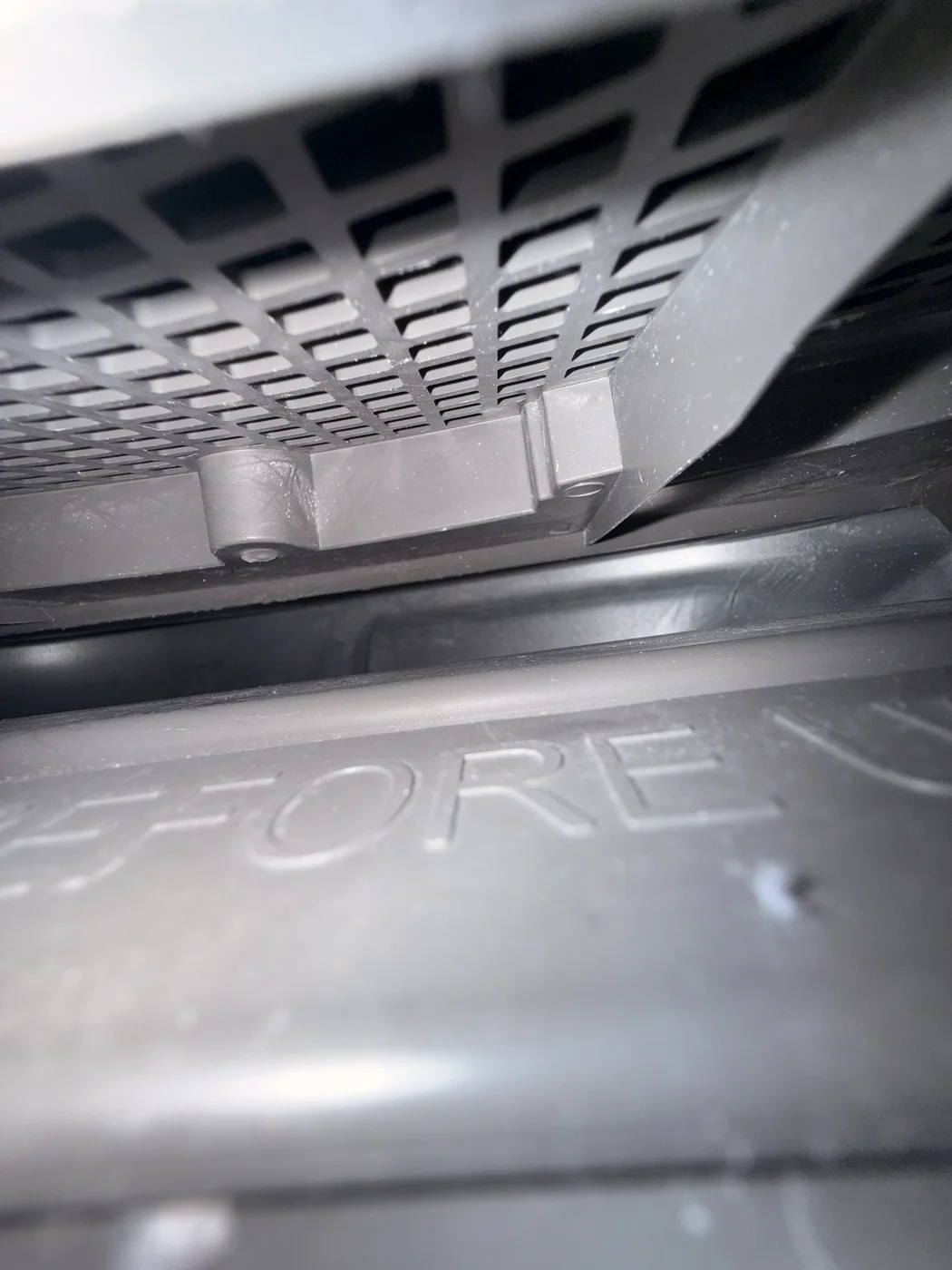
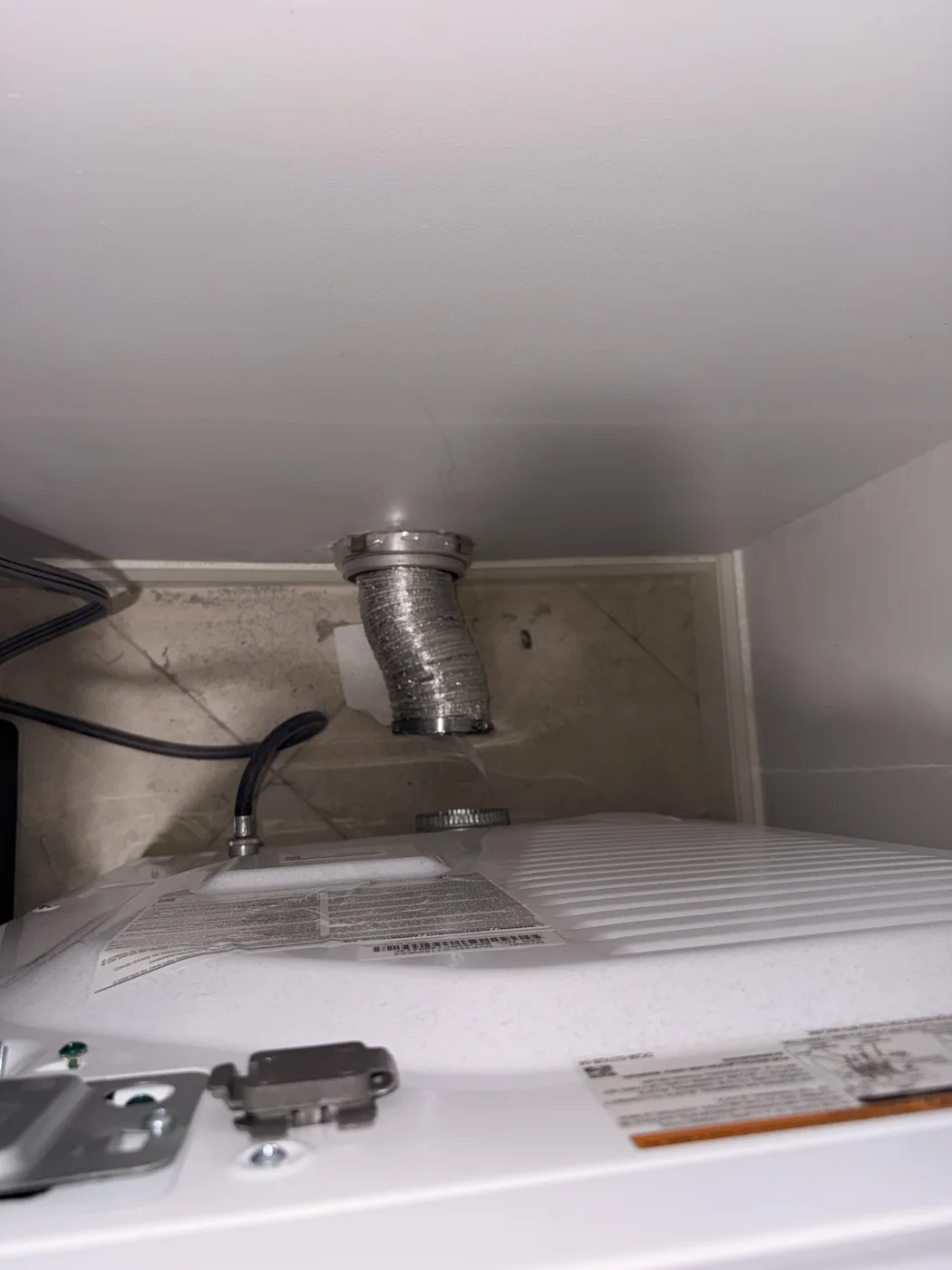
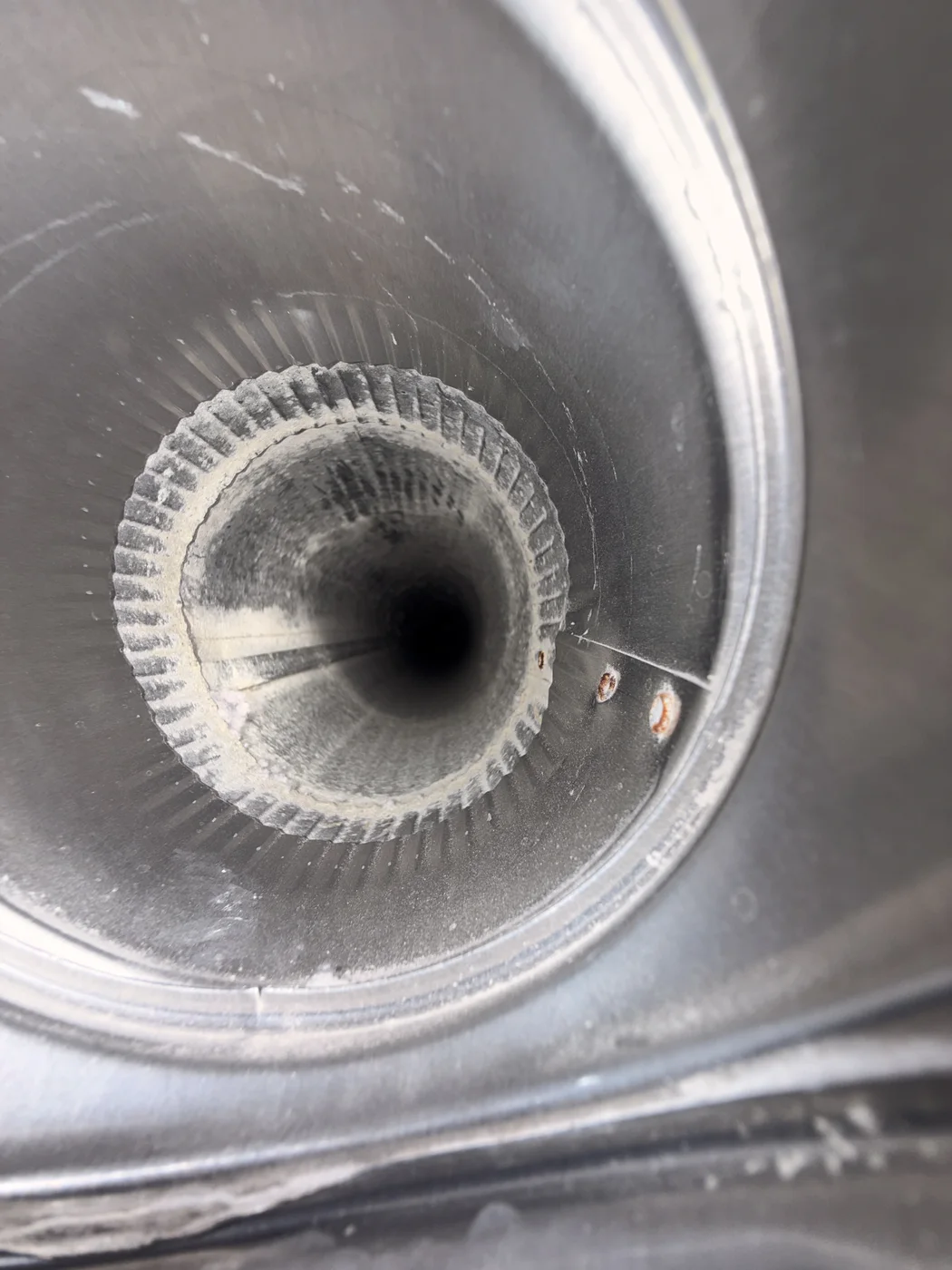
These Zarts service photos show lint restrictions, transition-duct conditions, exterior termination issues, and selected post-service views documented during dryer exhaust work.
A single dryer vent photograph rarely tells the whole story. The exhaust path may include the appliance connection, a transition duct, concealed rigid ductwork, elbows, and a roof or sidewall termination. A restriction photographed at one point does not confirm the condition of the entire route or identify the only cause of slow drying.
Unlike the paired air-duct comparisons in this evidence center, the public project files do not reliably connect these dryer images into before-and-after sets. We therefore present them as individual field conditions. The company identified the newer images as post-service views, but no corresponding Before image or complete project record is published. No city, customer, building, airflow value, drying-time improvement, or safety outcome is assigned without supporting records.
What a dryer vent photo can help identify
A clear photo can document compacted lint, a sharp bend in a transition duct, material trapped at an exterior screen, or debris removed from the accessible exhaust route. Those findings can guide the next inspection step. They do not replace checking the full route, exterior damper movement, appliance condition, or airflow where an appropriate check can be completed.
If clothes suddenly require repeated cycles, the dryer or laundry area becomes unusually hot, airflow at the exterior termination is weak, or a burning odor is present, stop and investigate rather than relying on a gallery comparison. Cleaning may help when lint restriction is part of the problem; appliance faults, damaged ducts, disconnections, and poor route design may require separate repair or evaluation.
Read the system guides
Learn how materials, access, equipment, airflow, and other possible causes affect the appropriate next step for a specific property.
Request a Quote from Zarts
Choose your service and how you would like us to reply. Just one contact method is needed. We will confirm the scope and price with you before booking.
Planning service in Tampa?
Request an advance Tampa quote with code Tampa2026 for the planned December 2026 launch: $50 off air ducts, $20 off dryer vents, or $130 off both ($50 + $20 + an extra $60). Tampa & surrounding service areas only. Not valid in other service areas.